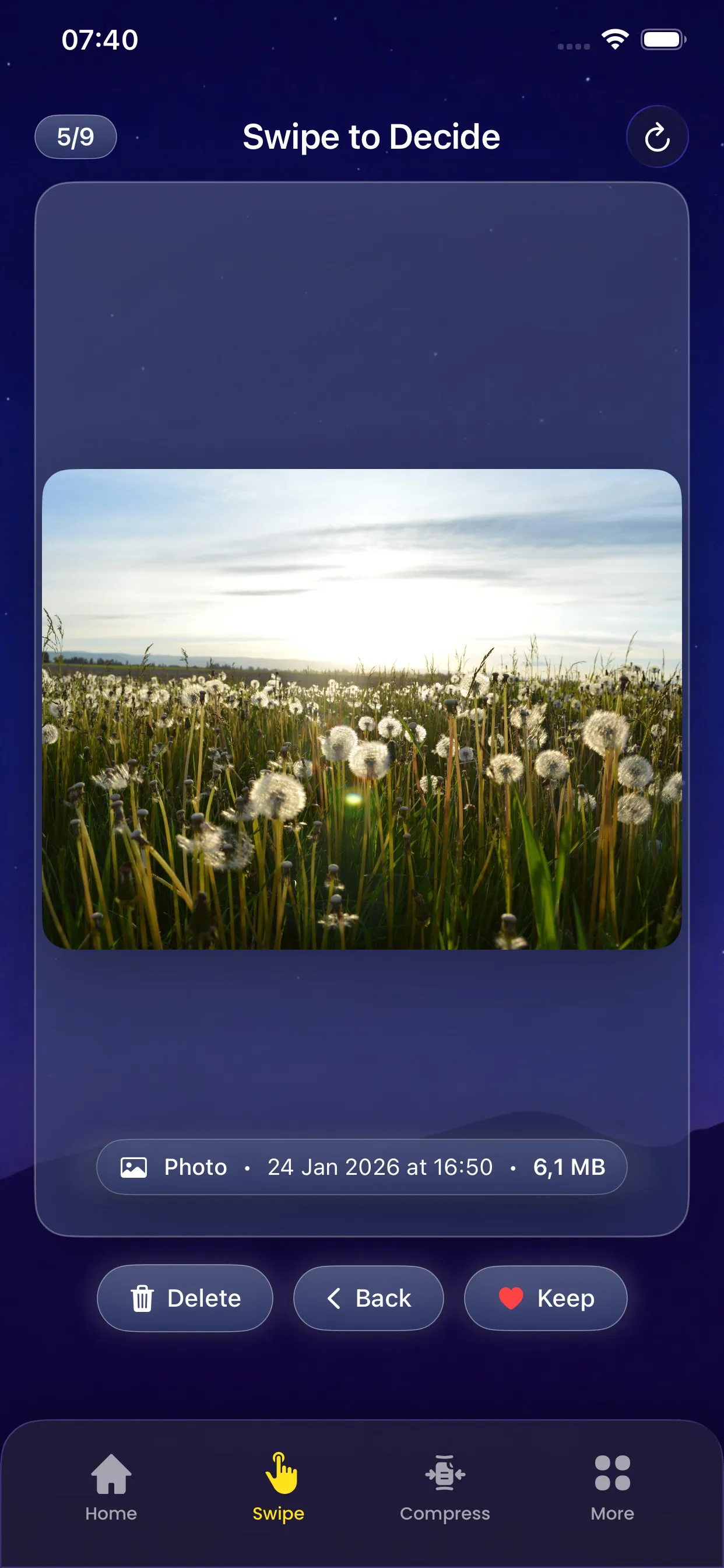
Swipe to Review makes cleaning your photo library feel effortless. Instead of tapping through menus, simply swipe right to keep a photo or left to mark it for deletion.
This intuitive gesture-based interface lets you review hundreds of photos in minutes. It's the fastest way to decide what stays and what goes in your photo library.
Key Benefits
Why you'll love this feature
Lightning Fast
Review photos much faster than traditional methods
Intuitive Gestures
Swipe right to keep, left to delete - simple as that
Full Preview
See each photo in full screen before deciding
Undo Support
Changed your mind? Easily undo your last action
Quick Decisions
Make fast keep or delete decisions one photo at a time
Safe Review
Nothing is deleted until you confirm your choices
How It Works
Simple steps to cleaner storage
1
Start Review
Open any scan results and tap Swipe to Review
2
Swipe Right
Swipe right on photos you want to keep
3
Swipe Left
Swipe left on photos you want to delete
4
Review Stack
See your keep and delete stacks anytime
5
Confirm
Delete all marked photos with one tap
Pro Tips
- Use Swipe to Review after scanning for similar photos
- Take your time on the first few swipes to get the feel
- You can always undo if you swipe the wrong direction
Try Swipe to Review Today
Download PhoneCleanKit and start freeing up space on your iPhone or iPad right away.
Download on the
App Store