
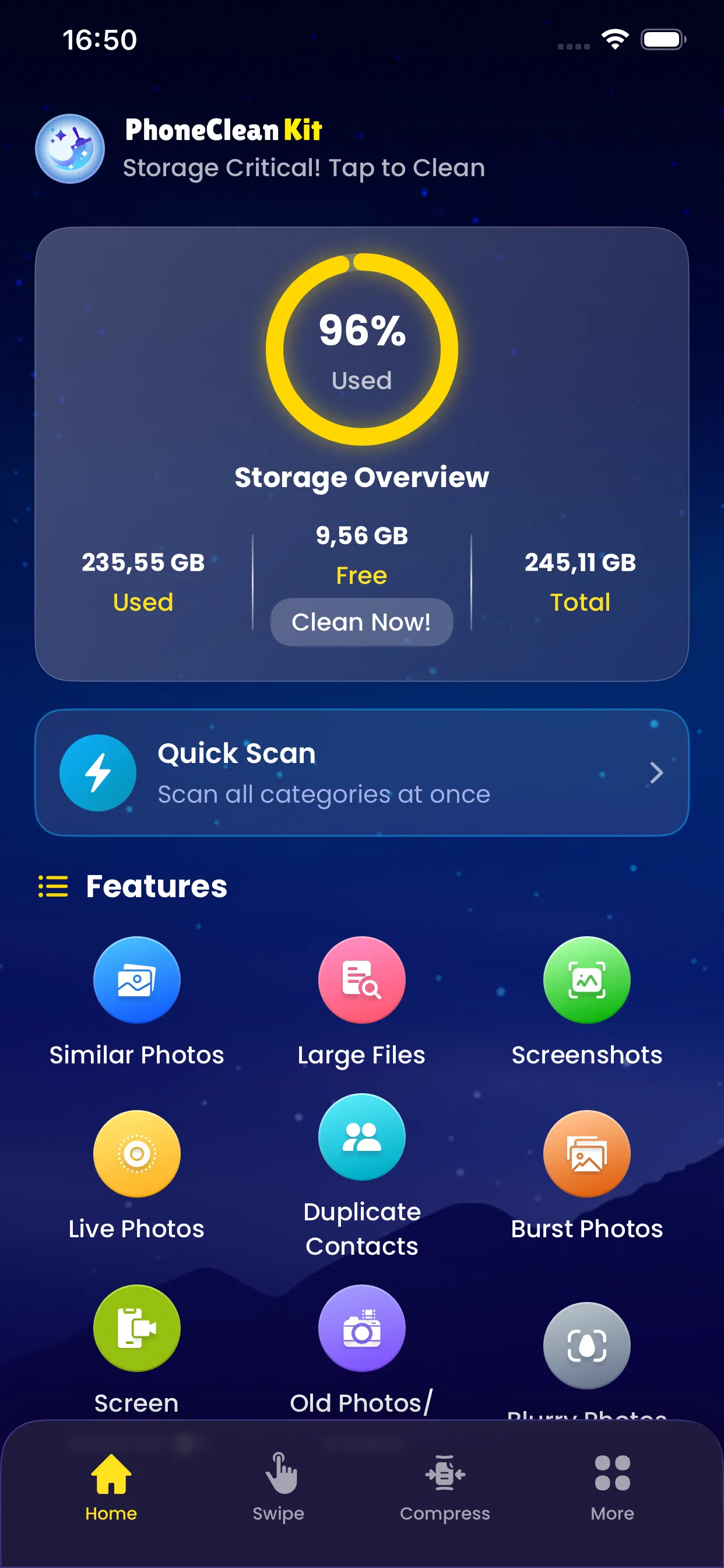
Screen recordings can be incredibly large files, especially longer ones. The Screen Recording Cleaner helps you identify all screen recordings on your device, see their file sizes, and remove the ones you no longer need.
Whether you recorded a tutorial, captured a bug to report, or saved a video call, this feature helps you manage these space-consuming files.
Key Benefits
Why you'll love this feature
Quick Detection
Finds all screen recordings instantly
Size Display
See exactly how large each recording is
Duration Info
View the length of each recording
Preview Playback
Watch recordings before deleting
Date Sorting
Recordings organized chronologically
Bulk Delete
Remove multiple recordings at once
How It Works
Simple steps to cleaner storage
1
Scan
Identify all screen recordings
2
List
Display with size and duration
3
Preview
Play any recording to review
4
Select
Mark recordings for deletion
5
Delete
Remove selected recordings
Pro Tips
- Screen recordings are often forgotten after their purpose is served
- Check for very long recordings that may be accidental
- Consider trimming recordings before keeping them
Try Screen Recording Cleaner Today
Download PhoneCleanKit and start freeing up space on your iPhone or iPad right away.
Download on the
App Store