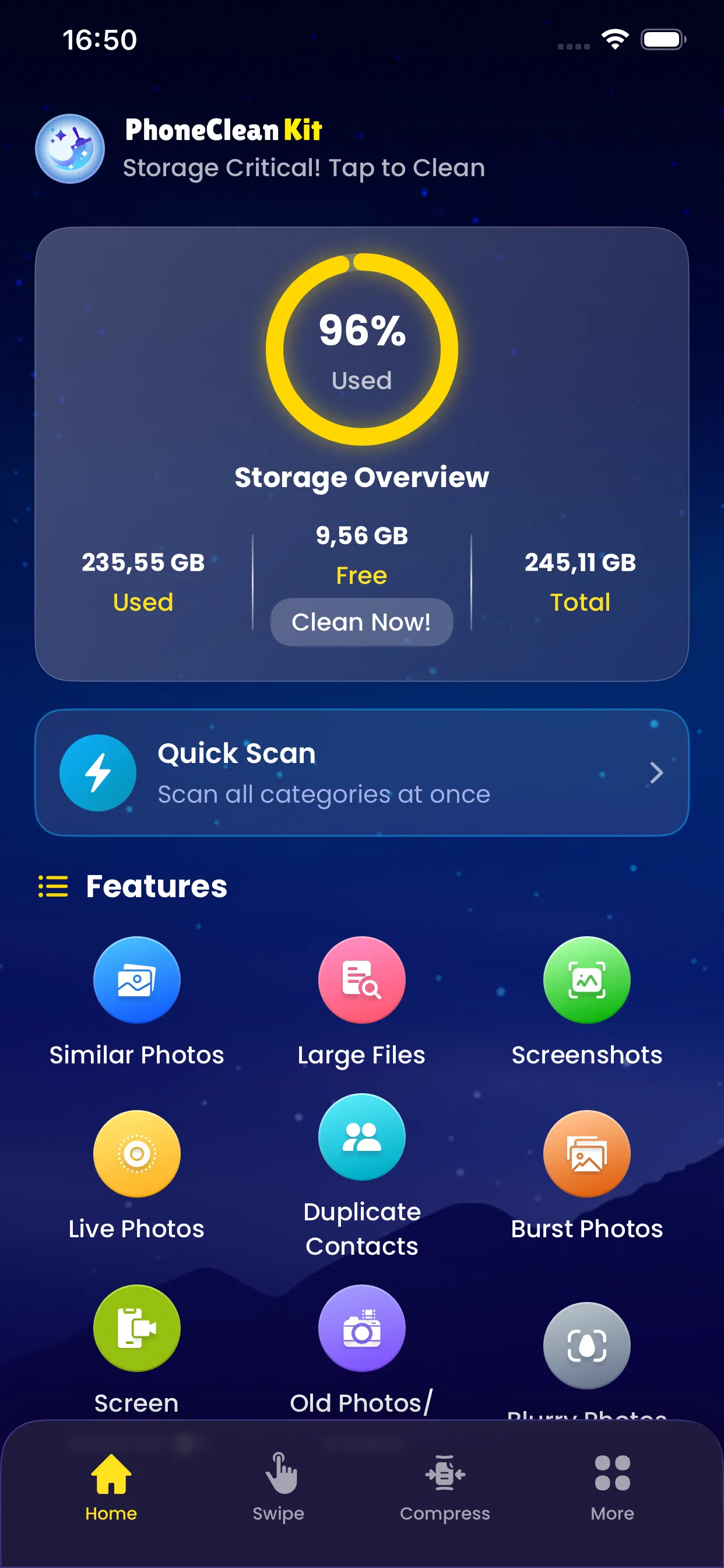
Quick Scan lets you analyze 5 categories at once: burst photos, similar photos, screenshots, screen recordings, and live photos. Instead of scanning each feature separately, Quick Scan checks all five together.
Save time by running a single scan that covers the most common cleanup opportunities. Review results by category and clean up everything in one session.
Key Benefits
Why you'll love this feature
5-in-1 Scan
Check 5 categories in a single operation
Time Saving
No need to run 5 separate scans
Key Categories
Burst, similar, screenshots, screen recordings, live photos
Category Breakdown
Results organized by type for easy review
Priority Sorting
Biggest space savers highlighted first
One-Tap Start
Begin scanning with a single tap
How It Works
Simple steps to cleaner storage
1
Launch
Tap Quick Scan from the main screen
2
Analyze
App scans 5 categories at once
3
Categorize
Results grouped by type
4
Review
Browse each category to review findings
5
Clean
Remove unwanted items from any category
Pro Tips
- Run Quick Scan weekly to keep your device optimized
- Start by cleaning the category with the most space to recover
- Use Quick Scan after trips or events when you take many photos
Try Quick Scan Today
Download PhoneCleanKit and start freeing up space on your iPhone or iPad right away.
Download on the
App Store