
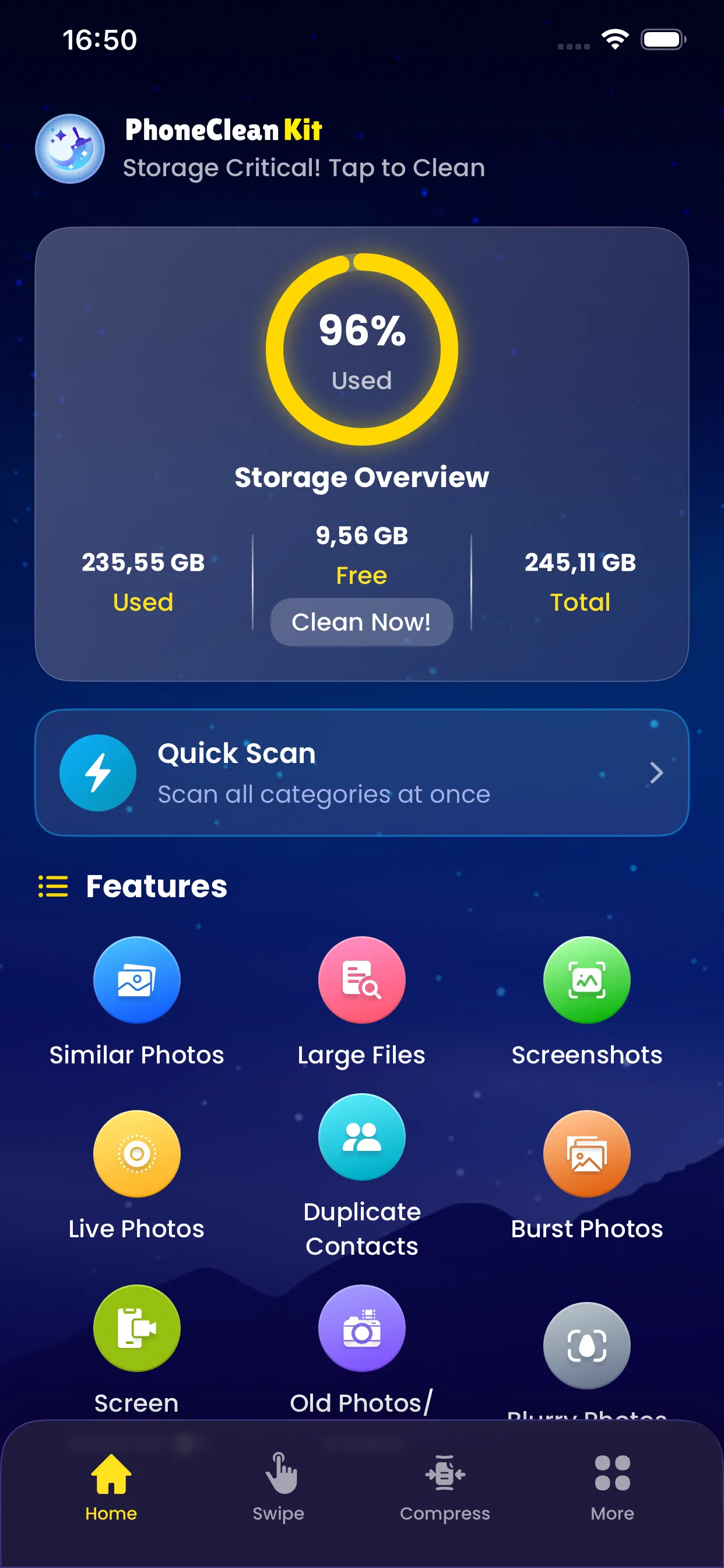
The Large Files Scanner quickly identifies the biggest files on your iPhone that are consuming your precious storage space. From lengthy videos to large downloads, this feature shows you exactly where your storage is going.
Files are sorted by size, making it easy to identify the biggest culprits. You can preview each file before deciding whether to keep or delete it, ensuring you never accidentally remove something important.
Key Benefits
Why you'll love this feature
Instant Discovery
Find the largest files in seconds
Size Sorting
Files organized from largest to smallest
File Preview
Preview videos and photos before deletion
Multiple Categories
Scan photos, videos, or all media
Storage Impact
See exactly how much space each file uses
Quick Actions
Delete or share files with one tap
How It Works
Simple steps to cleaner storage
1
Select
Choose Large Files from Quick Scan options
2
Scan
PhoneCleanKit analyzes your media library
3
Sort
Results displayed from largest to smallest
4
Preview
Tap any file to preview before deletion
5
Delete
Remove selected files to free up space
Pro Tips
- Check for old 4K videos which can be several GB each
- Consider compressing large videos instead of deleting them
- Export important large files to cloud storage before removal
Try Large Files Scanner Today
Download PhoneCleanKit and start freeing up space on your iPhone or iPad right away.
Download on the
App Store