
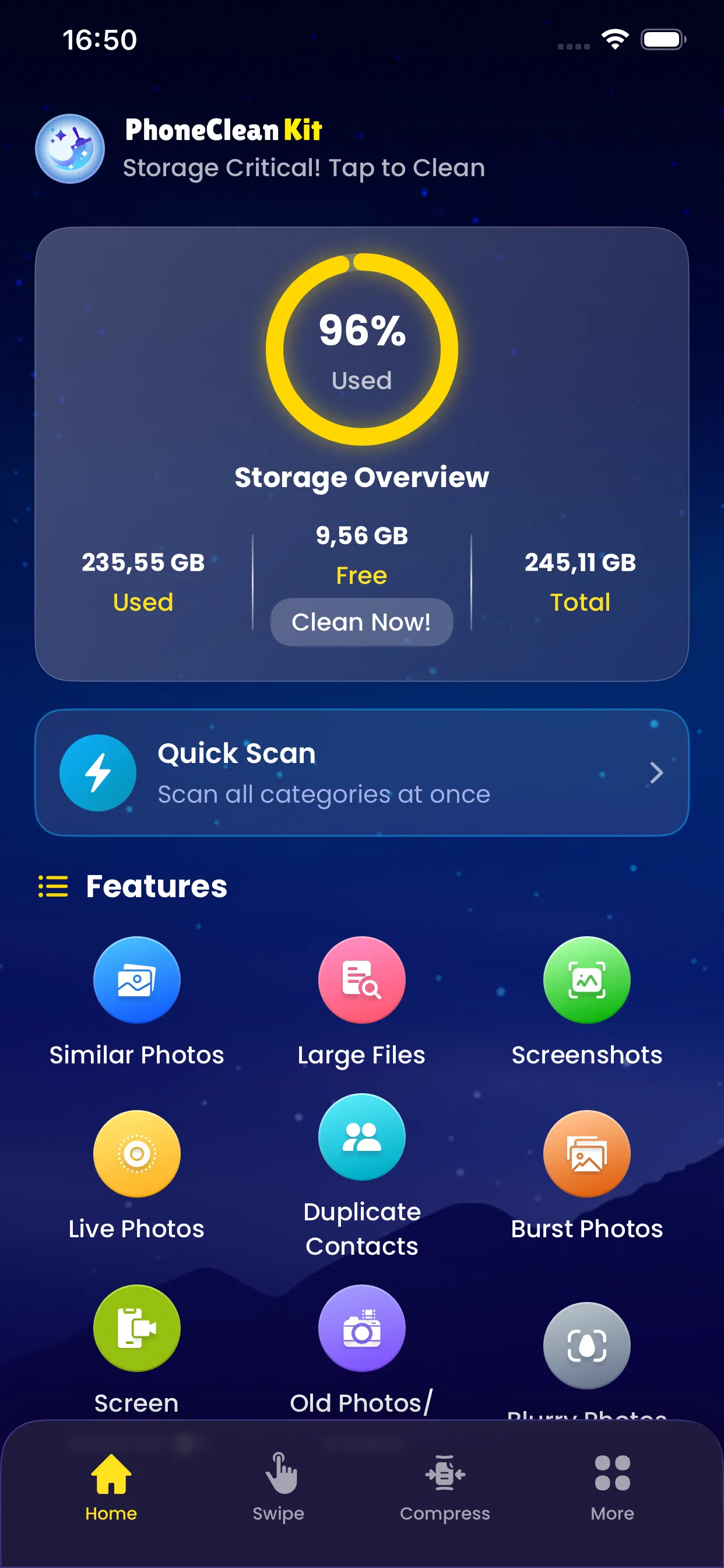
Over time, your contacts list can become cluttered with duplicate entries. The Duplicate Contacts Merger scans your address book to find contacts that appear multiple times and helps you merge them into single, complete entries.
The smart merge feature combines information from duplicate contacts, ensuring no phone numbers, emails, or other details are lost in the process.
Key Benefits
Why you'll love this feature
Smart Detection
Finds duplicates by name, phone, and email
Auto Merge
Combines all info from duplicate entries
Preview Changes
See the merged contact before saving
Manual Review
Control exactly what gets merged
Safe Process
Original contacts backed up automatically
Clean Address Book
Organized, clutter-free contact list
How It Works
Simple steps to cleaner storage
1
Scan
Analyze your entire contact list
2
Match
Identify potential duplicate contacts
3
Preview
Review suggested merges
4
Customize
Adjust merge settings if needed
5
Merge
Combine duplicates into single entries
Pro Tips
- Run this after importing contacts from a new source
- Check contacts with similar but not identical names
- Review the merged contact to ensure accuracy
Try Duplicate Contacts Merger Today
Download PhoneCleanKit and start freeing up space on your iPhone or iPad right away.
Download on the
App Store