Behind the Scenes: Building PhoneCleanKit
Every great app starts with a problem. For us, it was the constant "Storage Almost Full" notification that plagued our iPhones. This is the story of how PhoneCleanKit came to be.
The Problem
Like many iPhone users, we found ourselves constantly battling storage issues. Photo libraries grew larger, 4K videos consumed gigabytes, and we never had space when we needed it most.
The Vision
We wanted to create an app that would:
Technical Challenges
Challenge 1: Speed
Analyzing thousands of photos needs to be fast. We optimized our algorithms to process photos in parallel, using Apple's latest Metal framework for GPU acceleration.
Challenge 2: Accuracy
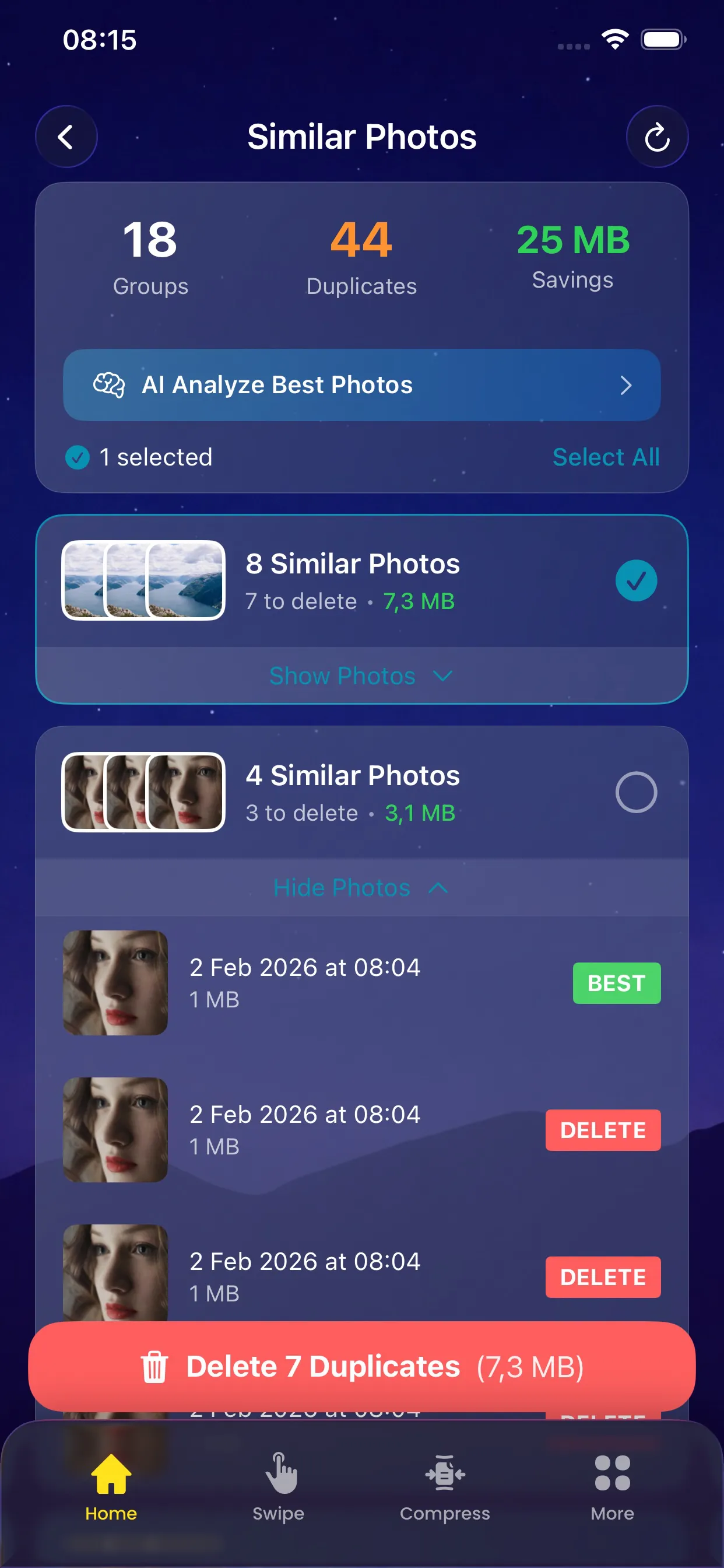
Finding similar photos is harder than it sounds. We developed and optimized custom algorithms to achieve high accuracy without false positives.
Challenge 3: Privacy
Many apps send photos to the cloud for processing. We were determined to do everything on-device. This required significant optimization but ensures your photos never leave your iPhone.
The Result
After months of development and testing, PhoneCleanKit was born. An app that's:
What's Next
We're constantly working to improve PhoneCleanKit. Upcoming features include:
Thank you for being part of our journey!